
How to Set Up Claude Cowork for Your Real Estate Business
Claude Cowork is the desktop version of Claude that works inside your files. It reads the folders you give it, drafts documents, and saves the work where you can find it. Setup takes about an hour: install the app, build three folders, write two files, run one task.
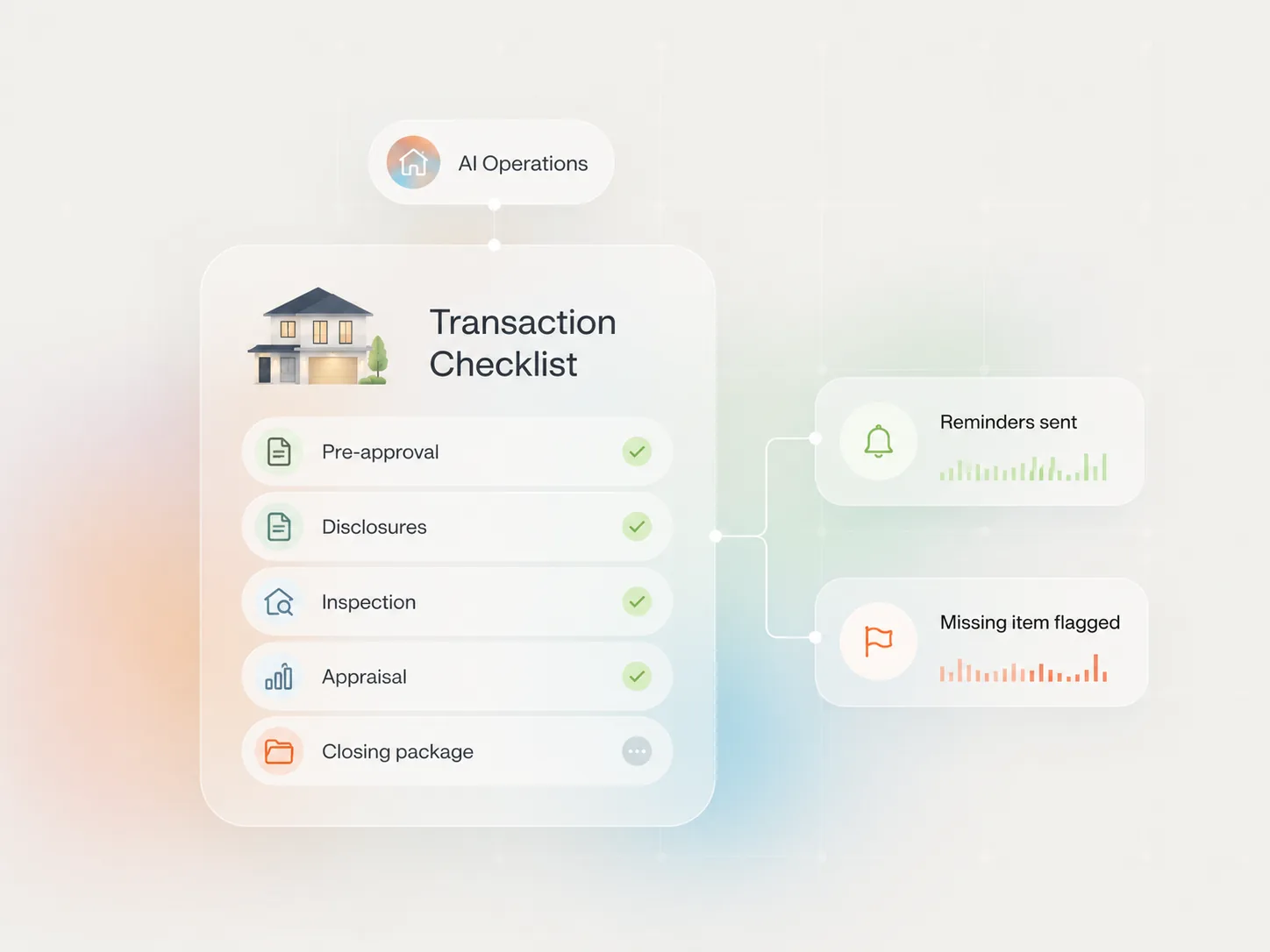
What changes when Claude works in your files
Chat AI has a ceiling: everything ends at copy and paste. You ask, it answers, you carry the answer somewhere else. Fine for one email. Painful for twelve follow-ups, a market report, and a week of social captions.
Cowork removes the carrying. You point it at a folder, give it a job, and it reads your reference files, does the work, and saves finished documents. The unit of work stops being an answer and becomes a deliverable.
The setup below is the same structure I run at Forward Loans. It works because the machine reads your context automatically instead of you re-explaining yourself every session.
Step 1: Install the desktop app
Cowork lives in the Claude desktop app on Mac and Windows. Download it from claude.ai, sign in, and open Cowork mode. That is the whole technical part.
Step 2: Build one working folder with three inside it
Create a folder called something like My AI Office, and put three folders inside:
- ABOUT ME holds who you are. Claude reads this first, every session.
- TEMPLATES holds examples of your best work: a listing description you loved, your newsletter format, a follow-up email that landed.
- OUTPUTS is where finished work gets saved, one subfolder per project.
Point Cowork at the parent folder and it can use all three.
Step 3: Write the two core files
File one: about-me. One page. Your name, brokerage, license number, markets you serve, the clients you work with, and what you never do. Plain language, like you are briefing a new assistant. Because you are.
File two: your voice profile. This is the document that makes everything sound like you instead of like AI. Build it with the voice profile method, then compress it into a memory file so it loads fast every session.
Forward Loans
What do you want help with?
Forward Loans NMLS #2006640. Michael Creel NMLS #420674.
Step 4: Run the first task
Prove the system the same day you build it. Drop this week's MLS numbers into a file and ask:
Read my ABOUT ME folder first. Then take the numbers in market-data and write my weekly market update in my voice, two short paragraphs, and save it in OUTPUTS under this week's date.
Read what it saved. Fix what is off, and tell it what you fixed so next week starts closer. That correction loop is the real setup.
What stays out of the folder
Keep transaction files, pre-approval letters, and anything with client financials outside your Cowork folder. The rule from the privacy guide applies here with no exceptions: if you would not email it to a stranger, it does not go in the working folder.
An hour of setup, two files, one task. After that, every job Cowork does starts with it already knowing who you are. That is the whole point of the office.
Frequently asked questions
Do I need to be technical to set up Claude Cowork?
No. If you can make a folder and save a document, you can do this. The whole setup is the desktop app, three folders, and two plain-text files. There is no code involved.
What is the difference between Cowork and the regular Claude chat?
Chat gives you answers you copy and paste. Cowork gives you finished files. It reads your reference folder before it writes, works through multi-step jobs, and saves the output as documents in your folders. The difference shows up most on batch work.
Can Claude Cowork see everything on my computer?
No. It works inside the folders you select and nothing else. Keep a dedicated working folder for it and the boundary stays clean. Transaction files with client financials should live outside that folder.
What files should I put in the ABOUT ME folder?
Two to start: an about-me file (who you are, your market, your license info, what you say yes and no to) and your voice profile. Add a third later if you want: a preferences file with formatting rules for how you like documents built.
What should my first Cowork task be?
A market update. Drop your MLS numbers in a file, then ask Cowork to read your ABOUT ME folder and turn the numbers into a client-ready update in your voice, saved to OUTPUTS. It touches every part of the system in one job.
Is my client data safe in Cowork?
Apply the same rule as every AI tool: no Social Security numbers, no financial documents, no full loan files. Cowork only reaches the folders you give it, so the simplest protection is keeping sensitive client files in a different location entirely.
The first file in your ABOUT ME folder should be your voice profile. Build it free and get the exact prompt I use. Build your AI voice profile.
Related guides
- AI for Realtors: the full guide
- Claude for real estate agents: a beginner's guide
- Compress your voice profile into a memory file
Written by Michael Creel, Founder of Forward Loans. NMLS #420674. Forward Loans NMLS #2006640. More about Michael.