
Using AI for Client Communication and Follow-Up
AI can draft your follow-ups, showing recaps, and past client check-ins in seconds. It earns its keep when you feed it real context: who the client is, what happened, and what comes next. Then you read every message before it goes out. That last step is the whole game.
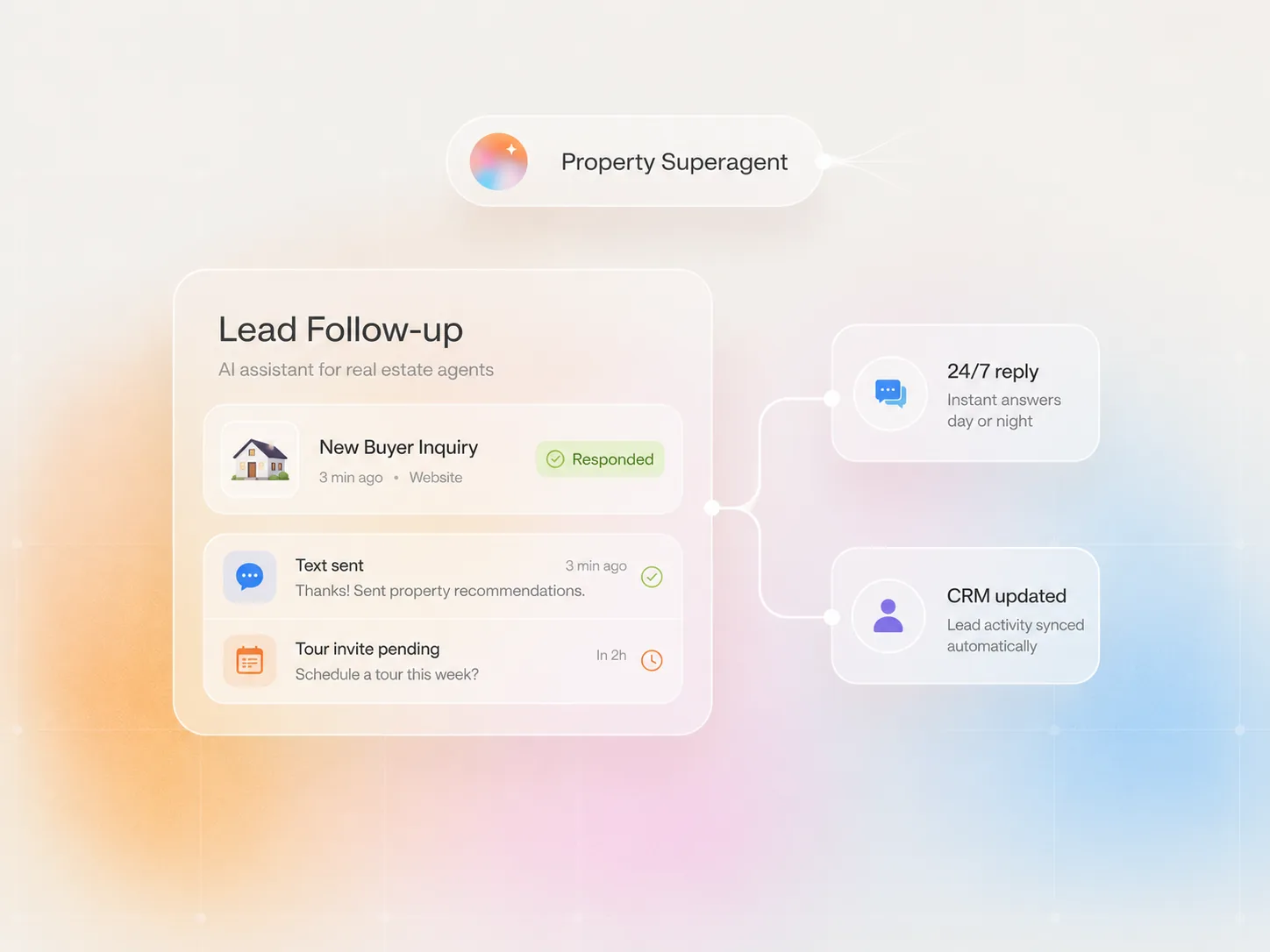
Follow-up is where deals quietly die
Ask any agent where their last three deals came from and you’ll hear about referrals and repeat clients. Ask where the lost ones went and the answer is quieter. They didn’t die in a negotiation. They slipped away in the gap between conversations.
You tour a house Saturday morning. The buyer says they need to think. By Wednesday you still haven’t followed up because you had two closings, a listing appointment, and a kid’s baseball game. The buyer didn’t stop wanting a house. They just stopped hearing from you.
That gap is the best use case for AI in your business. Not because AI communicates better than you. Because a good message sent Tuesday beats a great message that never got sent.
What AI handles well
Three jobs, and it does all three fast.
First drafts. Showing follow-ups, open house thank-yous, price change updates, weekly check-ins for active buyers. Anything with a repeatable shape.
Summaries. Paste in a long email thread and ask for the short version plus the open items. Do this before calling a client you haven’t talked to in two weeks. You’ll sound like you never left.
Past client outreach. The check-in you keep meaning to send. Home anniversary, a note when a comp sells on their street, a market update for their neighborhood. AI drafts it in seconds once you hand it one real detail.
The context formula
Generic in, generic out. Before you ask for a draft, give AI four things:
- The client’s name and where they are in the process
- What just happened (showing, call, inspection, open house)
- One or two things they said or reacted to
- The next step you want
Here’s what that looks like in practice:
Draft a short follow-up text to Sarah. We toured the Craftsman on Elm in Gilbert this morning. She loved the backyard and the kitchen light, but she’s worried about the commute to Tempe. Next step is a second showing Saturday at 10.
Four sentences of notes. That’s the difference between a message that sounds like you and a message that sounds like a template. If you want AI to match your tone too, feed it your voice profile before it writes a word.
Forward Loans
What do you want help with?
Forward Loans NMLS #2006640. Michael Creel NMLS #420674.
What stays human
Some messages should never start in an AI window.
Hard news. The appraisal came in low. The sellers took another offer. The financing hit a snag.
Negotiations. Anything where the wording moves money.
Emotional moments. Divorce sales, estate sales, a buyer who just got transferred and has three weeks to land.
AI has no read on what a person has been through. Those messages take longer to write, and they should. That's the part of the job the client remembers you for.
A workflow you can run this week
- Build your voice profile first. One afternoon, done once.
- Pick one channel to start. Showing follow-ups are the easiest win.
- Save four sentences of context notes right after each appointment, while it's fresh.
- Draft with AI, then edit for two minutes. Read it out loud. If a line doesn't sound like you, change it.
- Send it the same day. Log it in your CRM.
Run that for two weeks and the follow-up gap closes. No assistant hired, no later nights. The messages still carry your name, so they still get your eyes. That's the whole game.
Frequently asked questions
Can AI write follow-up emails that still sound like me?
Yes, if you give it the right inputs. Paste in bullet notes about the client, the showing, and the next step. The more specific you are, the less generic the output. You still read and edit before sending, which is where your voice gets added back in.
How much detail should I give AI before asking for an email draft?
At minimum: the client's name, what happened (showing, call, meeting), one or two things they said or reacted to, and the next step. That is enough for a usable first draft. More context gives you a better output, but four sentences of notes is all you need to get started.
Is it okay to let AI send messages directly to clients without me reading them?
No. Read every message before it goes. This is not about AI making errors, though it does. It is about the message carrying your name and your relationship. Two minutes of review is the minimum investment in making sure you stay in control of how you come across.
What kinds of messages should I always write myself?
Hard news, negotiations, emotional situations, and anything where the client is going through something difficult. AI has no read on what a person has been through. These moments call for your judgment and your actual knowledge of the client. Write those yourself.
How do I use AI for past client follow-up without it feeling mass-produced?
Give it client-specific details. The property they bought, something you remember about them, and a reason to reach out now. A generic template feels generic because it has no specifics. One detail about their situation makes the message feel personal, even when AI wrote the first draft.
Do I need a special tool or paid subscription to do this?
No. ChatGPT, Claude, and Gemini all have free tiers that handle email drafting well. Start with whatever you already have access to. The tool matters less than the habit of giving it real context and reviewing what comes back.
Want AI to write your follow-ups in your voice? The first step is teaching it how you sound. Build your free AI voice profile and get the exact prompt I use. Build your AI voice profile.
Related guides
Written by Michael Creel, Founder of Forward Loans. NMLS #420674. Forward Loans NMLS #2006640. More about Michael.